Hi brunoisa10,
Here’s a KLWP preset I’ve made as a tutorial for you. Hopefully it matches your need on the tab animation.
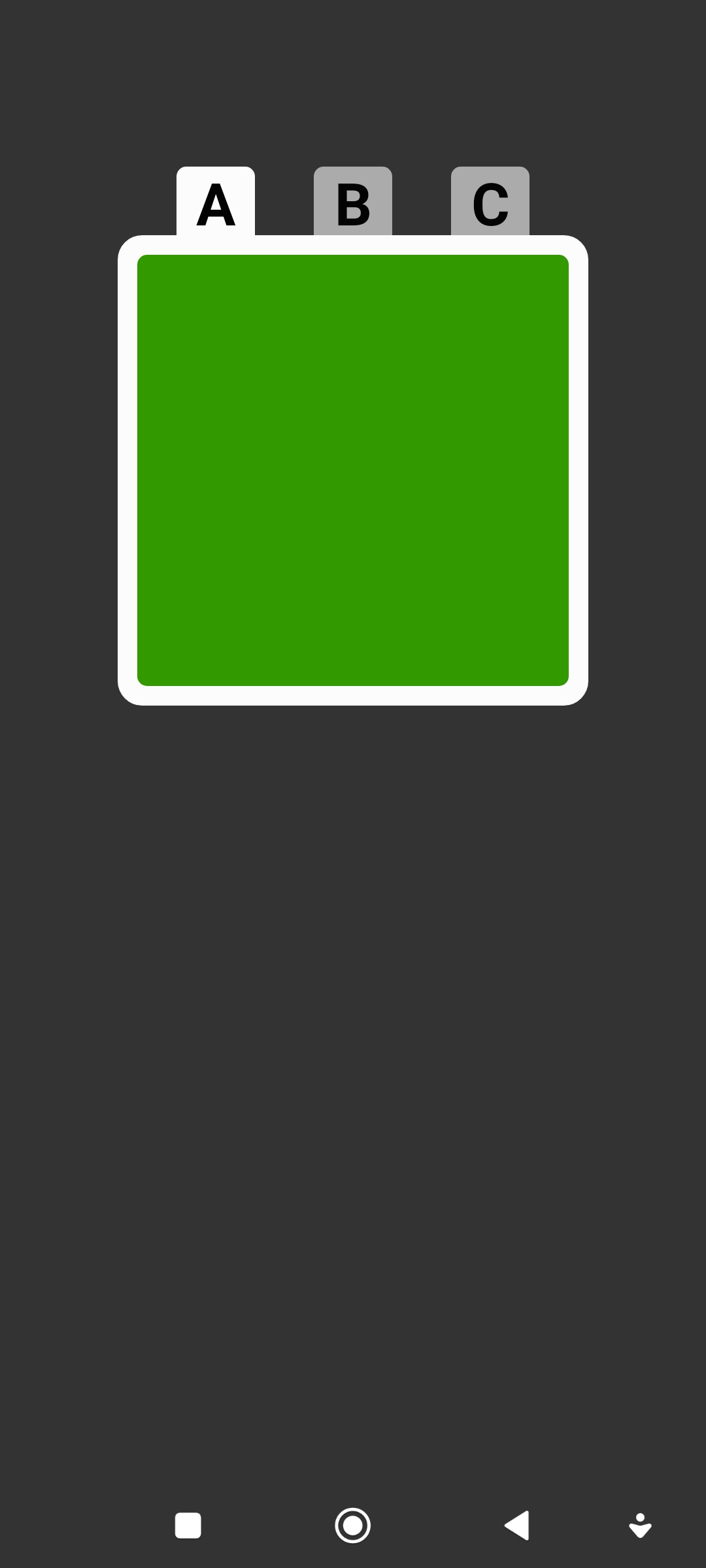
Here’s the preview and here you can download the preset.
To use the preset, extract it from the downloaded archive file (the .zip file) and place the extracted file into your Kustom/wallpapers folder.
TIPS
- To change the Animation’s delay of each tab, edit the delay’s formula and change the delay value the same as the value of the Animation’s duration.
- The delay value of 0 means to immediately animate, it is when the tab zoom in. The delay value of > 0 means to wait the animation before the previous tab is completely zoomed out.
- Apply the animation to any objects or to any Overlap Groups or Stack Groups you want.
- I create the global variable for the tab,
tabs, you can use any other name you like. - I use a Complex Animation action in this preset, rather than Scroll or other actions, because it gives more flexibility to create a custom animation style.
I hope this would help.

